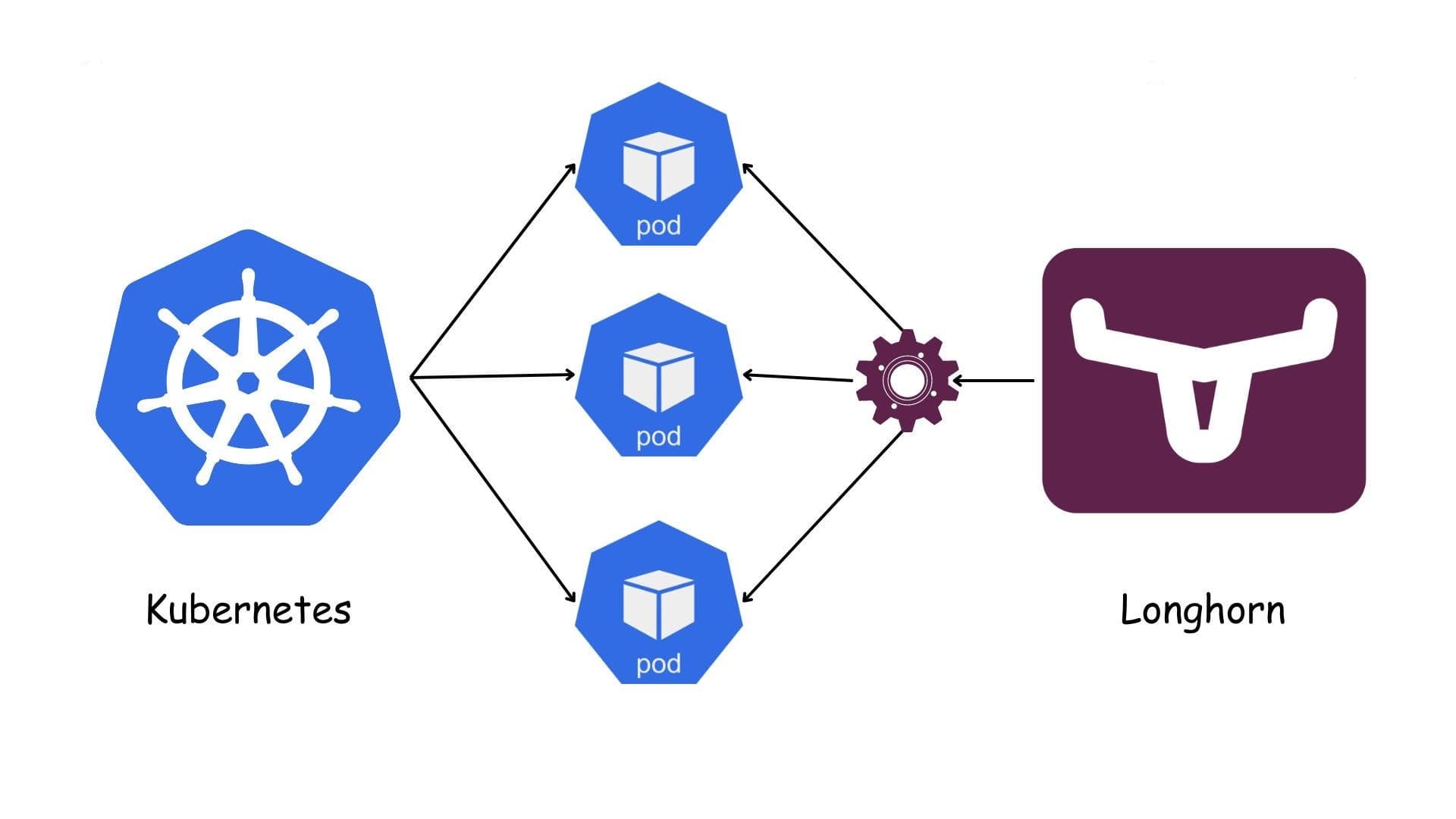
Longhorn-Restoring a PostgreSQL Cluster
Restoring a PostgreSQL Cluster (CloudNativePG) on Kubernetes Using an Existing Backup & Longhorn
1. Scenario & Goal
Overview (one sentence): We use an existing Longhorn backup to seed a new PostgreSQL cluster (managed by CNPG) in a new Kubernetes cluster via a fixed flow: restore → PVC → VolumeSnapshot → CNPG bootstrap.
2. Procedure
Restore the backup (set replica count).
Restore the required Longhorn backup and set the number of Longhorn replicas for the restored volume (e.g., 2 or 3).

Create a new PVC with a distinct name.
In the target namespace, create a PersistentVolumeClaim that binds to Longhorn for this restored data. Use a name different from any previous PVC.

Create a Kubernetes VolumeSnapshot from that PVC
Using the CSI snapshot API, create a VolumeSnapshot that references the newly created PVC as its source. This snapshot becomes the hand-off artifact to your CNPG bootstrap.
  apiVersion: snapshot.storage.k8s.io/v1
  kind: VolumeSnapshotClass
  metadata:
    name: longhorn-snapclass
  driver: driver.longhorn.io
  deletionPolicy: Retain
  ---
  apiVersion: snapshot.storage.k8s.io/v1
  kind: VolumeSnapshot
  metadata: { name: VolumeSnapshot-test, namespace: pro }
  spec:
    volumeSnapshotClassName: longhorn-snapclass
    source: { persistentVolumeClaimName: pvc-test }
Bootstrap CNPG from the VolumeSnapshot.
In the CNPG cluster spec, reference that VolumeSnapshot in the bootstrap section so the new PostgreSQL cluster initializes from it.
  apiVersion: postgresql.cnpg.io/v1
  kind: Cluster
  metadata:
    name: project-postgres-cluster
    namespace: pro
  spec:
    instances: 1
    imageName: ghcr.io/cloudnative-pg/postgresql:17.5
    enableSuperuserAccess: true
    storage:
      storageClass: longhorn
      size: 100Gi
    bootstrap:
      recovery:
        volumeSnapshots:
          storage:
            apiGroup: snapshot.storage.k8s.io
            kind: VolumeSnapshot
            name: VolumeSnapshot-test
- Important note: The PostgreSQL image version must exactly match the image version used in the old cluster from which the backup was taken.
Fainally
Wait until all CNPG pods are Ready and the cluster status is Healthy.
Connect and run simple checks (e.g., record counts, integrity queries) to confirm the dataset is correct.