Longhorn
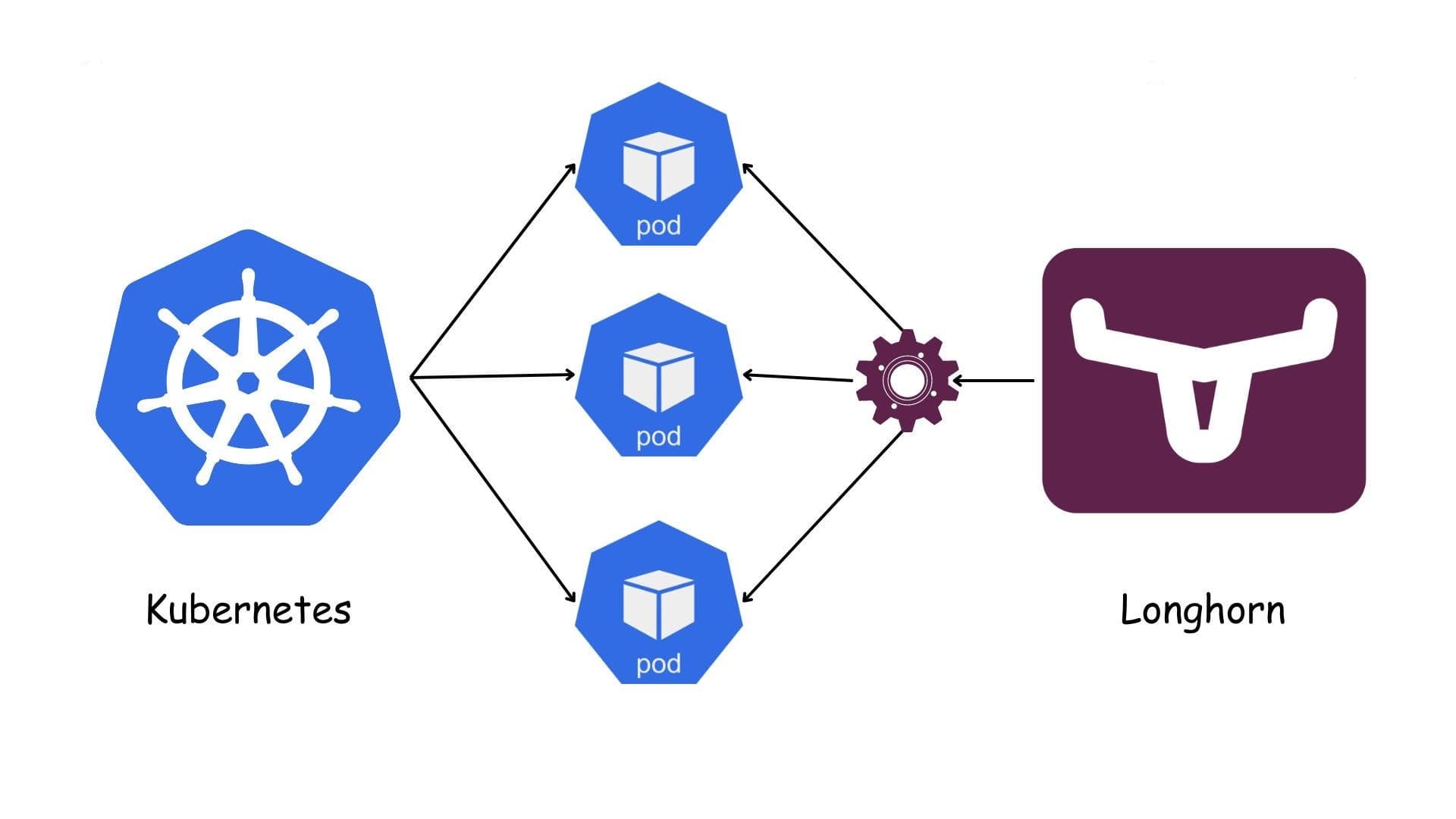
Waht is Longhorn?
Longhorn is a lightweight, reliable and easy-to-use distributed block storage system for Kubernetes.
Longhorn is free, open source software. Originally developed by Rancher Labs, it is now being developed as a incubating project of the Cloud Native Computing Foundation.
Why choose Longhorn?
Simple to deploy & operate: Install via Helm/manifests, clean web UI, great Rancher integration.
Kubernetes-native: Everything is CRDs/CSI; snapshots, backups, restores, and automation are all inside the cluster.
High availability & self-healing: Each volume keeps multiple replicas across nodes; disk/node failures trigger automatic rebuilds.
Built-in backup/DR: Incremental backups to S3/NFS, recurring jobs, Disaster Recovery volumes, and cross-cluster restore.
Infra flexibility & cost: Runs on local disks (SSD/HDD) on almost any hardware (on-prem/edge/ARM64); no vendor lock-in.
Useful features: Thin-provisioning, soft anti-affinity, RWX via NFS provisioner, fast local snapshots, online volume expansion.
Observability: Health checks, metrics, and a UI that shows data paths and replicas.
When is it a good fit?
Small to mid-size clusters, lean DevOps teams, and edge/branch sites.
General stateful workloads: app services, CI runners (Jenkins/GitLab), MinIO, light analytics—anything not ultra-latency-sensitive.
Straightforward, low-cost DR with S3/NFS backups and quick cross-cluster restore.
When Ceph feels too heavy but you still need HA block storage.
Limitations / performance notes
Network/CPU overhead from block-level replication; not ideal for ultra-IOPS, low-latency OLTP databases.
Throughput/latency is typically below direct local PVs or a well-tuned Ceph for very heavy workloads.
Needs adequate bandwidth and capacity between nodes (10 GbE recommended for serious loads).
Prefer SSDs/NVMe; pure HDD setups rebuild slowly and add latency.
Best practices (quick hits)
Run ≥3 nodes for true HA; set 2–3 replicas per volume.
Separate OS and dgxth iliata disks; use Maintenance Mode before draining a node.
Configure an S3/NFS BackupStore and recurring snapshot/backup jobs; test restores regularly.
Provide multiple StorageClasses (e.g., fast-ssd with replica=2; standard with replica=3).
Monitor node/filesystem health, free space, and rebuild progress with alerts.

Installation prerequisites (minimal yet sufficient)
Kubernetes v1.25+ with ≥3 worker nodes for true HA.
Nodes: x86_64 (SSE4.2) or ARM64; ≥4 GiB RAM (8 GiB+ recommended), up-to-date Linux.
Dedicated data disk for Longhorn (prefer SSD/NVMe); avoid placing data on the OS/root disk.
Stable, low-latency network between nodes; firewalls must not block intra-cluster storage traffic.
Container runtime: containerd or Docker (compatible versions).
iSCSI (classic data engine): install open-iscsi and keep iscsid running on every node.
NVMe/TCP (optional newer engine): ensure kernel modules nvme, nvme-core, nvme-tcp are available and loaded at boot.
Notes
multipathd can interfere with attaches—disable it or blacklist Longhorn devices.
Keep swap off (or properly configured) on Kubernetes nodes.
Use NTP/chrony for clock sync across nodes.
Quick install (Ubuntu/Debian)
# On every node
sudo apt-get update
sudo apt-get install -y open-iscsi nfs-common cryptsetup
sudo systemctl enable --now iscsid

# (Optional) NVMe/TCP
echo -e "nvme\nnvme-core\nnvme-tcp" | sudo tee /etc/modules-load.d/nvme-tcp.conf
sudo modprobe nvme nvme-core nvme-tcp
Quick install (RHEL/Rocky/Alma)
# On every node
sudo dnf install -y iscsi-initiator-utils nfs-utils cryptsetup
sudo systemctl enable --now iscsid

# (Optional) NVMe/TCP
echo -e "nvme\nnvme-core\nnvme-tcp" | sudo tee /etc/modules-load.d/nvme-tcp.conf
sudo modprobe nvme nvme-core nvme-tcp
Deploy Longhorn with Helm
helm repo add longhorn https://charts.longhorn.io
helm repo update

kubectl create namespace longhorn-system

helm install longhorn longhorn/longhorn -n longhorn-system

# Access the UI (NodePort by default)
kubectl -n longhorn-system get svc | grep longhorn-frontend
Example StorageClasses
# fast-ssd (replica=2) — good for common workloads with moderate risk tolerance
apiVersion: storage.k8s.io/v1
kind: StorageClass
metadata:
  name: fast-ssd
provisioner: driver.longhorn.io
parameters:
  numberOfReplicas: "2"
  staleReplicaTimeout: "30"
  fsType: "ext4"
reclaimPolicy: Delete
allowVolumeExpansion: true
volumeBindingMode: WaitForFirstConsumer
---
# standard-longhorn (replica=3) — higher resiliency for more critical data
apiVersion: storage.k8s.io/v1
kind: StorageClass
metadata:
  name: standard-longhorn
provisioner: driver.longhorn.io
parameters:
  numberOfReplicas: "3"
  staleReplicaTimeout: "30"
  fsType: "xfs"
reclaimPolicy: Delete
allowVolumeExpansion: true
volumeBindingMode: WaitForFirstConsumer
BackupStore configuration
S3-compatible: Longhorn UI → Settings → Backup Target, e.g. s3://my-bucket@us-east-1/longhorn Provide a Backup Target Credentials Secret with access key, secret, and custom endpoint if not AWS.
NFS: e.g. nfs://10.0.0.20:/export/longhorn-backups (must be reachable from Longhorn manager pods on all nodes).
Recurring jobs
Per-volume, schedule hourly/daily snapshots and daily/weekly backups; keep sensible retention (e.g., 7/30 versions).
Test restore (recommended routine)
Restore a recent backup into a new volume.
Bind to a temporary PVC and run read/write checks.
Record timings and results in your runbook.
Operations & maintenance
Volume expansion: supported online via UI or by increasing spec.resources.requests.storage on the PVC.
Node offboarding: enable Maintenance Mode, drain, return node, then monitor rebuild to completion.
Thin provisioning: default is enabled—watch actual disk consumption and alert around 80–85% capacity.
Monitoring & alerts
Track read/write latency, IOPS, rebuild duration/progress, free space, and replica health.
Use Prometheus/Grafana (or your stack) and alert on disk pressure and abnormal latency.
Troubleshooting (common)
Attach/Mount failures: verify iscsid (or NVMe/TCP) is running, multipathd disabled/blacklisted, firewalls open, and K8s/Longhorn versions compatible.
Slow rebuilds: network bottlenecks or HDD-only pools—migrate to SSD/NVMe and improve bandwidth.
High latency: too many replicas, pod contention on the same node, or disk contention—tune replica counts and placement.
NVMe/TCP vs iSCSI — quick note
iSCSI (classic, mature): wide compatibility, simple setup on most distros.
NVMe/TCP (newer): potential for lower latency & better throughput; requires newer kernels and loaded modules.
Security & compliance
Keep RBAC enabled; scope Longhorn access to the longhorn-system namespace.
Pod Security: add the minimal required permissions (Privileged/HostPath) per Longhorn docs.
Upgrades — safe practice
Validate backups/DR and perform a test restore before upgrading.
Choose a chart version compatible with your Longhorn target; upgrade in stages and watch volume health/latency.